




文章最后更新时间:
定位:/wp-content/themes/zibll/inc/functions/user/page.php文件,我们搜下面的函数
function zib_user_ctnter_main_tabs_array_filter_main($tabs_array)
然后在官方认证下面添加下面的代码!
$tabs_array['complaint'] = array(
'title' => '我的投诉',
'nav_attr' => 'drawer-title="我的投诉"',
'content_class' => 'complaint-settings',
'loader' => '<div class="zib-widget">
 <div class="placeholder k1 mb10"></div>
 <div class="placeholder k1 mb10"></div>
 <div class="placeholder s1"></div>
 <div class="placeholder t1 mt20"></div>
 <div class="placeholder s2"></div>
 <div class="placeholder k1 mb10"></div>
 <div class="placeholder k1 mb10"></div>
 <div class="placeholder s1"></div>
 <div class="placeholder t1 mt20"></div>
 <div class="placeholder s2"></div>
 </div>',
'content_func' => 'zib_main_user_tab_content_complaint', // 添加此行
);
然后我们搜下面的函数
function zib_user_center_page_sidebar_button_1($con)
在官方认证下面添加下面的代码
$buttons[] = array(
'html' => '',
'icon' => '<svg t="1688968573785" class="icon" viewBox="0 0 1024 1024" version="1.1" xmlns="http://www.w3.org/2000/svg" p-id="5245" width="200" height="200"><path d="M232.727273 117.410909m93.090909 0l372.363636 0q93.090909 0 93.090909 93.090909l0 512q0 93.090909-93.090909 93.090909l-372.363636 0q-93.090909 0-93.090909-93.090909l0-512q0-93.090909 93.090909-93.090909Z" fill="#B177ED" opacity=".8" p-id="5246"></path><path d="M337.454545 233.774545m23.272728 0l302.545454 0q23.272727 0 23.272728 23.272728l0 0q0 23.272727-23.272728 23.272727l-302.545454 0q-23.272727 0-23.272728-23.272727l0 0q0-23.272727 23.272728-23.272728Z" fill="#FFFFFF" p-id="5247"></path><path d="M337.454545 373.387636m23.272728 0l186.181818 0q23.272727 0 23.272727 23.272728l0 0q0 23.272727-23.272727 23.272727l-186.181818 0q-23.272727 0-23.272728-23.272727l0 0q0-23.272727 23.272728-23.272728Z" fill="#FFFFFF" p-id="5248"></path><path d="M814.568727 907.636364h-605.090909a93.090909 93.090909 0 0 1-93.090909-93.090909v-334.289455a93.090909 93.090909 0 0 1 130.653091-85.154909l227.397818 100.305454a93.090909 93.090909 0 0 0 75.147637 0l227.397818-100.305454a93.090909 93.090909 0 0 1 130.676363 85.154909v334.289455a93.090909 93.090909 0 0 1-93.090909 93.090909z" fill="#8D1DEF" opacity=".8" p-id="5249"></path></svg>',
'name' => '我的投诉',
'tab' => 'complaint',
);
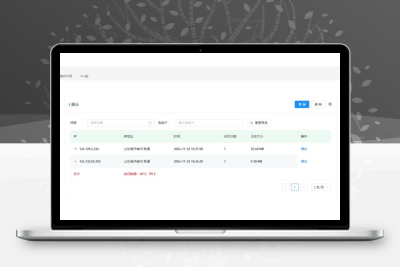
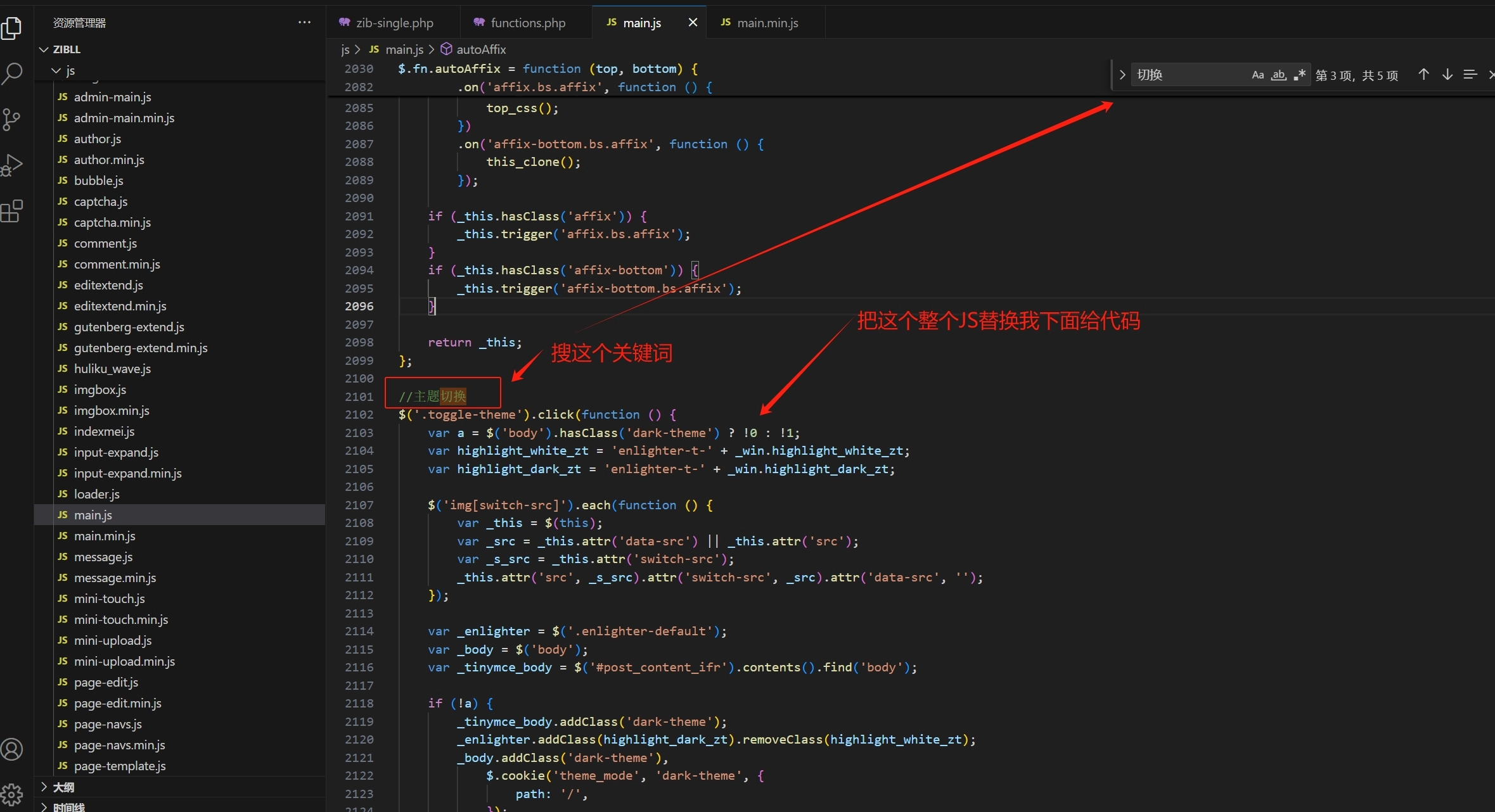
接下来就是我们的页面样式了,如一开始的图片,选择你喜欢的样式,下面任意位置添加,我的投诉选项卡页面的代码,我这边是加到了如下图的地方,记住还是这个文件,别乱去其他文件
![图片[4] - 子比主题 – 用户中心增加我的投诉页面(三款) - 诺守博客](https://image.nuoso.cn/2025/12/20251214085159285.jpg)
此文章仅供学习 请在下载24小时内删除。
© 版权声明
声明
小扎博客用须知
- 1本网站内容仅供个人学习、研究和欣赏,未经授权禁止用于任何商业用途。
- 2网站中的代码示例仅用于教育目的,使用时请遵循相关开源协议和授权规定。
- 3转载或引用本站内容请注明出处,尊重原创,共同维护良好的创作环境。
- 4网站评论区欢迎理性讨论,请勿发表违反法律法规的言论,共建和谐社区。
- 5如有内容侵犯您的权益,请通过博客联系方式告知,将立即核实并处理。
- 6使用本站资源时产生的任何问题与后果需自行承担,请谨慎操作。
THE END
![子比主题美化 – 首页排名榜样式美化[最新优化版]-小扎仙森](https://xzxs8.com/wp-content/uploads//2025/07/6586423c-1fbe-4e61-86bc-9d3140a297d2-1024x436_thumbnail_thumbnail.png)






![表情[cahan]-小扎仙森](https://www.xzxs8.com/wp-content/themes/zibll/img/smilies/cahan.gif)
![表情[tuosai]-小扎仙森](https://www.xzxs8.com/wp-content/themes/zibll/img/smilies/tuosai.gif)



暂无评论内容